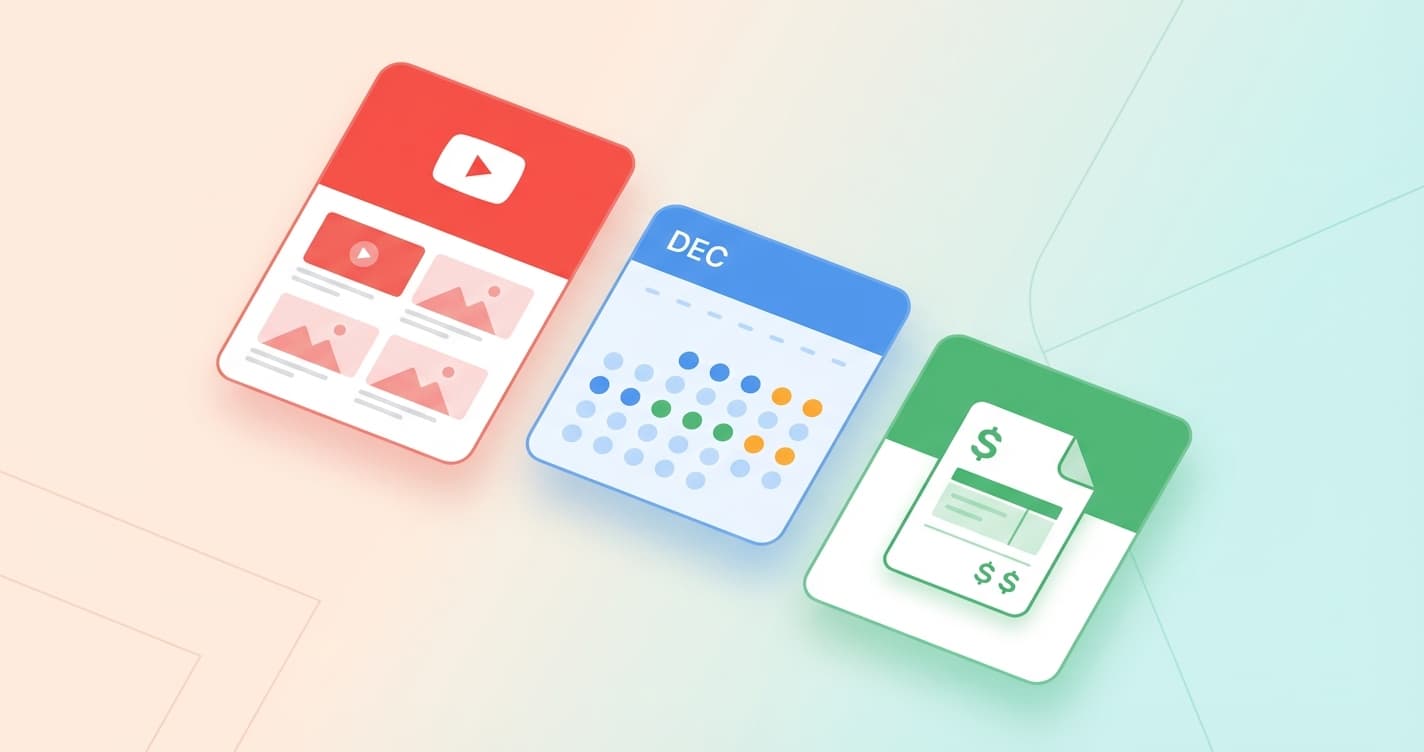
December brings three major updates to Track My Posts: full YouTube support, a new calendar view for visualizing your content schedule, and payment templates to speed up creator payouts. Here is everything you need to know.
YouTube Shorts Support
You asked, we delivered. Track My Posts now supports YouTube as a full platform alongside TikTok and Instagram. You can add YouTube creators to your workspace and we will automatically track their Shorts, capturing views, likes, and comments just like we do for other platforms.
Adding a YouTube creator works the same way as TikTok or Instagram. Just paste the channel handle (like @MrBeast) and we start tracking immediately. Videos and thumbnails are downloaded and stored so you always have access to the content, even if the original gets deleted.
The YouTube integration includes all the features you expect: filter your dashboard by YouTube, see YouTube-specific metrics in creator profiles, and include YouTube posts in your revenue attribution. If you are running campaigns across multiple platforms, you now have a single place to see everything.
How to add YouTube creators
Go to Creators
Click Add Creator
Select YouTube
Save and track
Calendar View
Understanding your content schedule just got a lot easier. The new calendar view shows all your tracked posts in a familiar monthly or weekly format. At a glance, you can see when creators are posting, spot gaps in your content schedule, and identify your busiest posting days.
The calendar supports all the same filters as the posts table. You can filter by platform, post type, or search for specific content. Your filter preferences are saved automatically, so you can pick up right where you left off.
Click on any post in the calendar to see its full details including engagement metrics, revenue attribution, and the video itself. This makes it easy to review content performance in context of when it was posted.
Toggle between monthly and weekly views depending on how much detail you need. The weekly view is great for reviewing recent activity, while the monthly view helps you see bigger patterns in your posting schedule.
Payment Templates
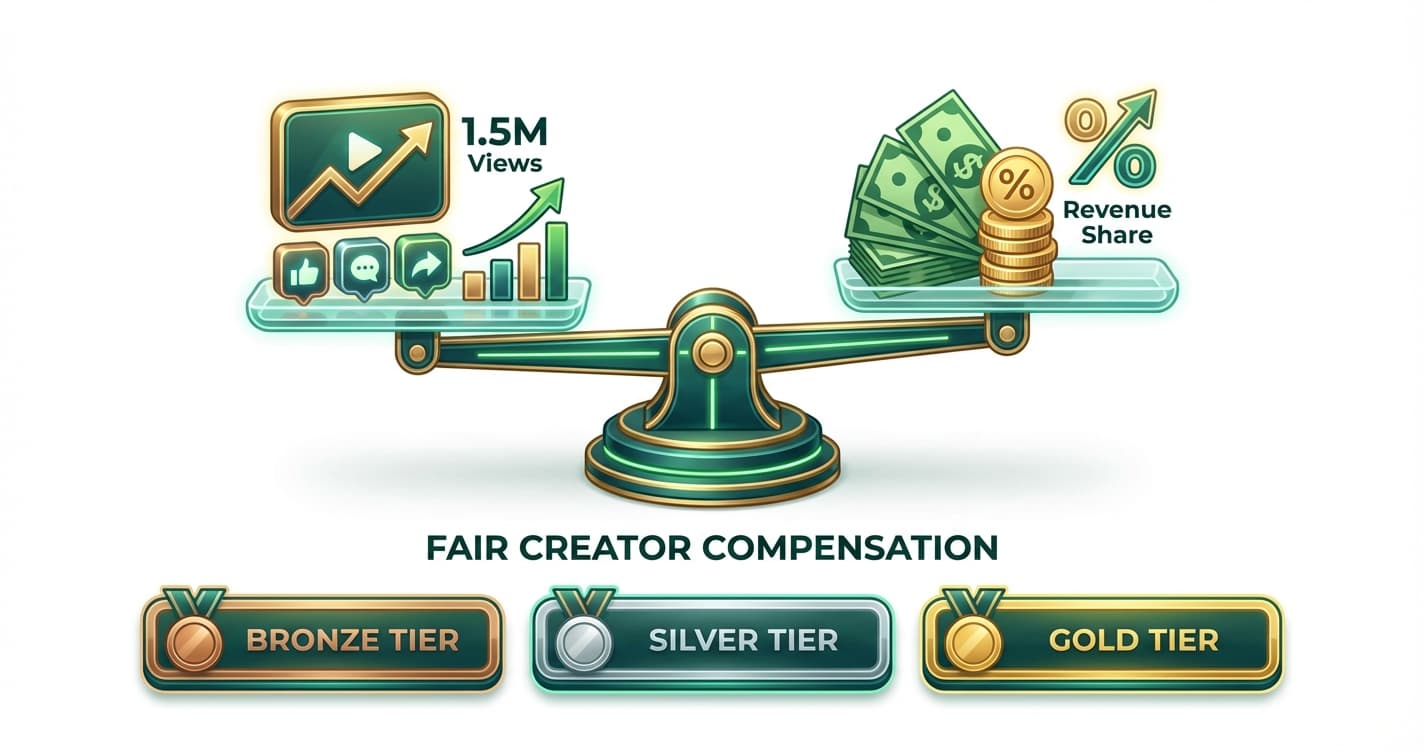
If you pay creators using similar structures, payment templates will save you a lot of time. Create a template once with your standard payment terms, then apply it to any creator with a single click.
Templates support all the payment models Track My Posts offers: flat fees, revenue share percentages, and hybrid approaches. You can create different templates for different tiers of creators or different types of campaigns.
When you apply a template to a creator, their payment settings are updated instantly. You can still customize individual creators after applying a template if you need to make adjustments. This gives you the best of both worlds: fast setup with flexibility when you need it.
Using payment templates
Create a template
Select creators
Apply the template
What is next
We are already working on the next set of features for January. On the roadmap: improved analytics dashboards, bulk creator actions, and more integrations. If you have feedback or feature requests, reach out to us at support@trackmyposts.com. We read every message and your input shapes what we build.
Get started with Track My Posts and try out YouTube tracking, the calendar view, and payment templates today.